Apple released iOS 27.2.1 and iPadOS 27.2.1 for iPhone and iPad, respectively. The iOS 27.2.1 update is a minor update to the iOS 27 operating system, arriving about two weeks after iOS 27.2. The iPadOS build is rolling out alongside the iPhone build.
What the update fixes
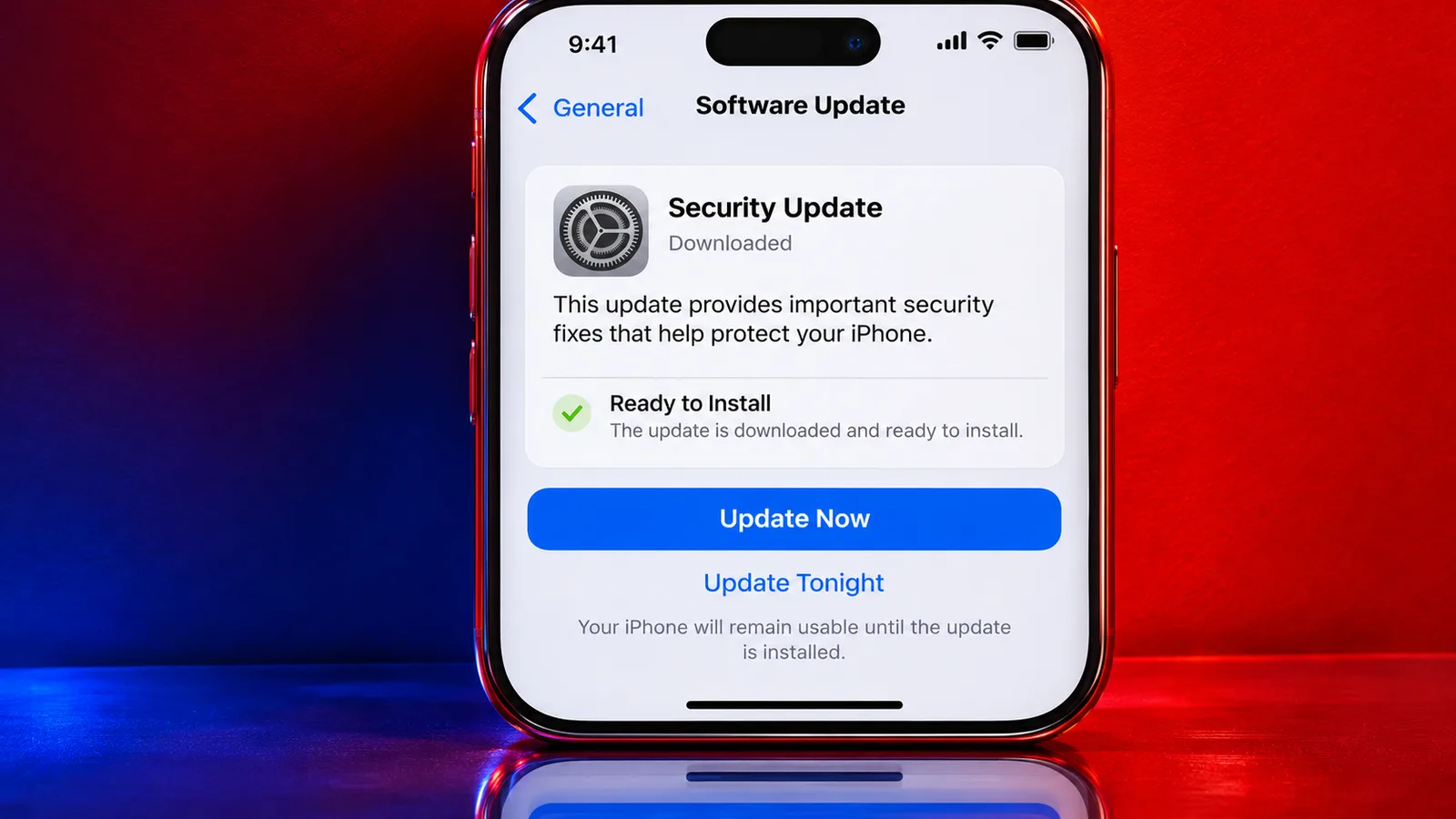
Apple's release notes say the update provides bug fixes and security updates for your iPhone. The release has no itemized list of the bugs being fixed. Apple said an iMessage flaw could let a remote attacker join a group chat and receive its messages, and it released updates to fix the problem. The same updates also fix a separate iMessage flaw that could let someone added to a group access messages sent before they joined.
Updates for older software
Apple is pushing companion updates for iPhones on older major versions, including iOS 26.7.3 and iOS 18.7.12. For devices on earlier software versions, iOS 26.7.3 and iPadOS 26.7.3 carry build number 23H131. Apple also released iOS 18.7.12 and iPadOS 18.7.12 with build number 22H390.
Build numbers
The new iPad mini uses build 24B8156 for iOS 27.2.1 and iPadOS 27.2.1, as stated in the source, though that number differs from the standard 24B156 and may be a typo. The iPhone Duo version of iOS 27.2.1 carries build number 24B91034, and the term iPhone Duo is unexplained in the source.
How to install
Users can download iOS 27.2.1 over the air by going to Settings > General > Software Update. A user opens Settings, taps General, then Software Update, and downloads the update if it is ready for their device. The iPhone or iPad will need to restart to finish installing the update.